Rhizo
Rhizo: Let Your Ideas Grow Like Plants
"This is a cube, and also an infinite sheet of paper."
What is Rhizo?
Rhizo is an experimental software exploring the "vitality of digital tools."
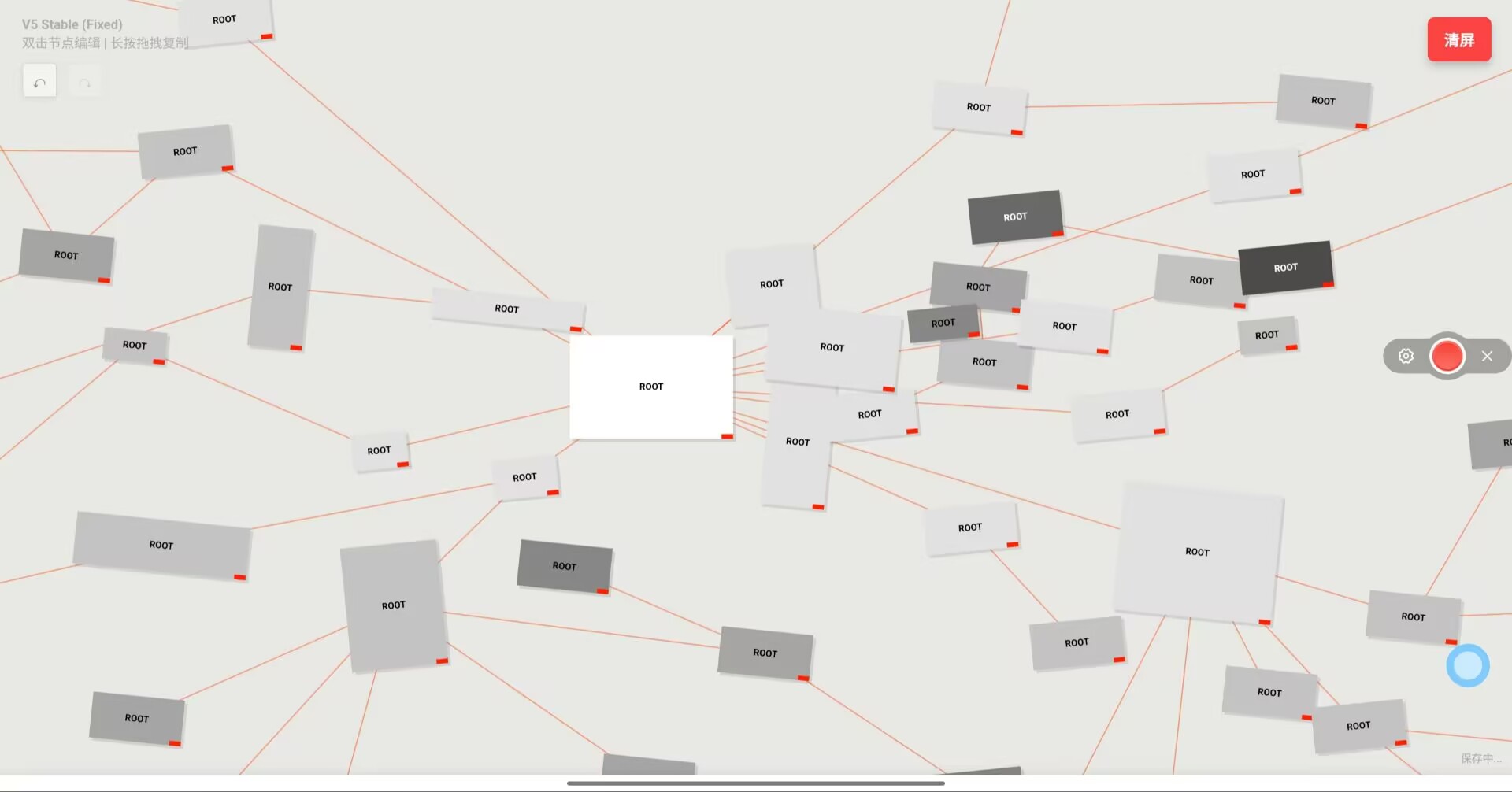
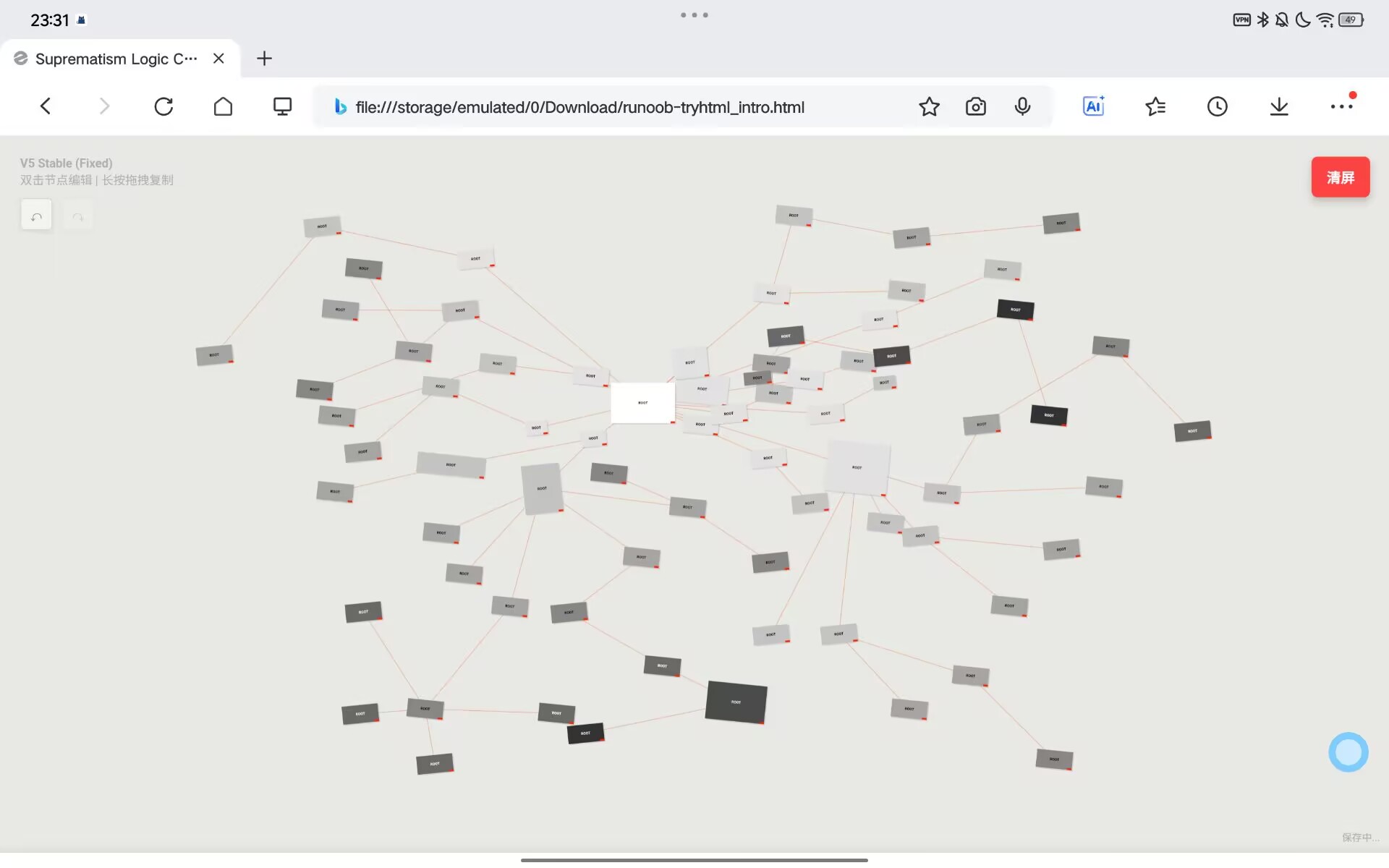
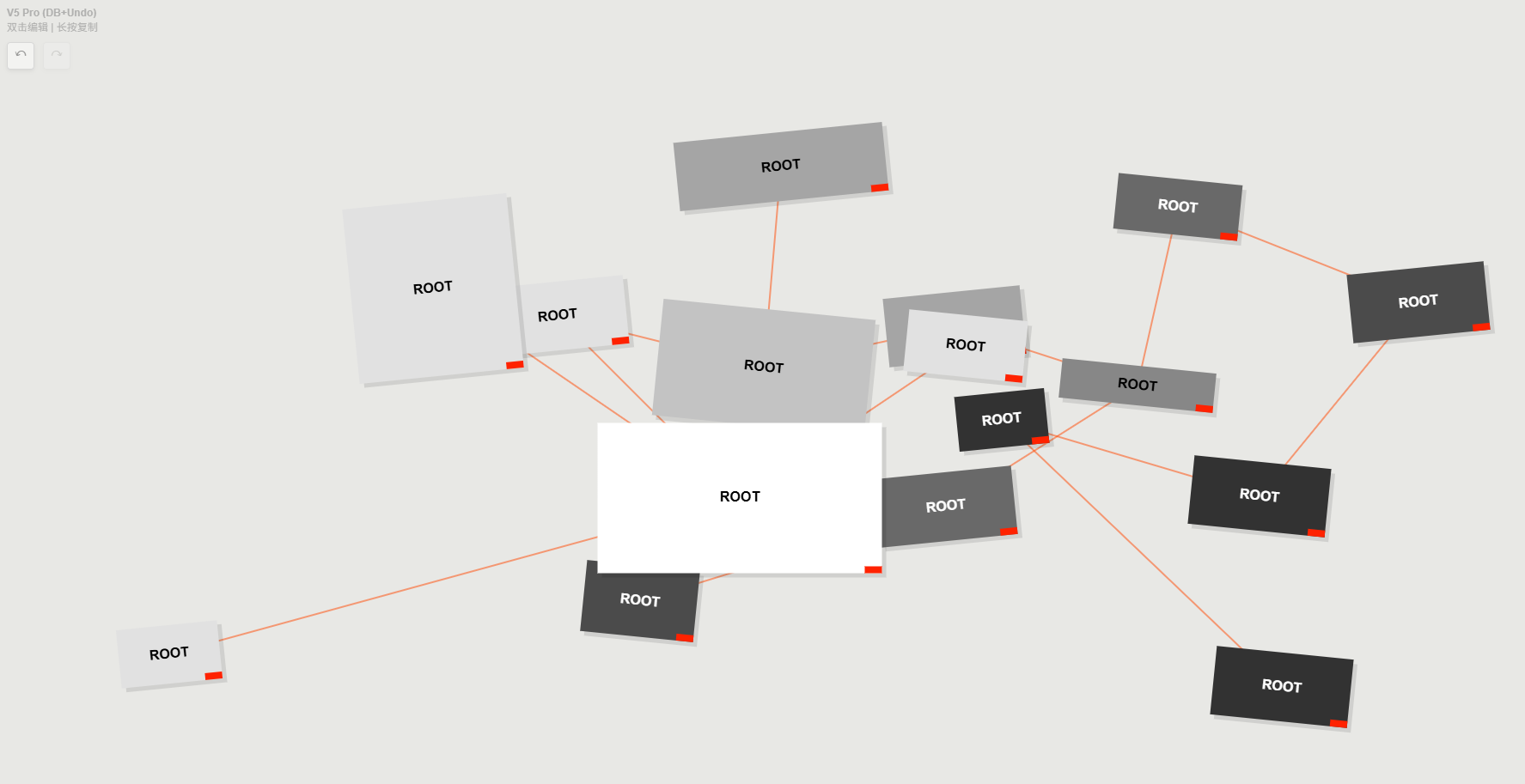
Traditional mind maps are rigid and static. Rhizo breaks this hierarchy by introducing a 2D Physics Engine and Organic Growth Algorithms. Here, your notes are not just data points on a list—they are living entities that breathe, oscillate, and possess weight.
This web build serves as a Public Tech Demo. We invite you to experience a new way of thinking where logic meets physics.
Core Features
Physics Interaction System
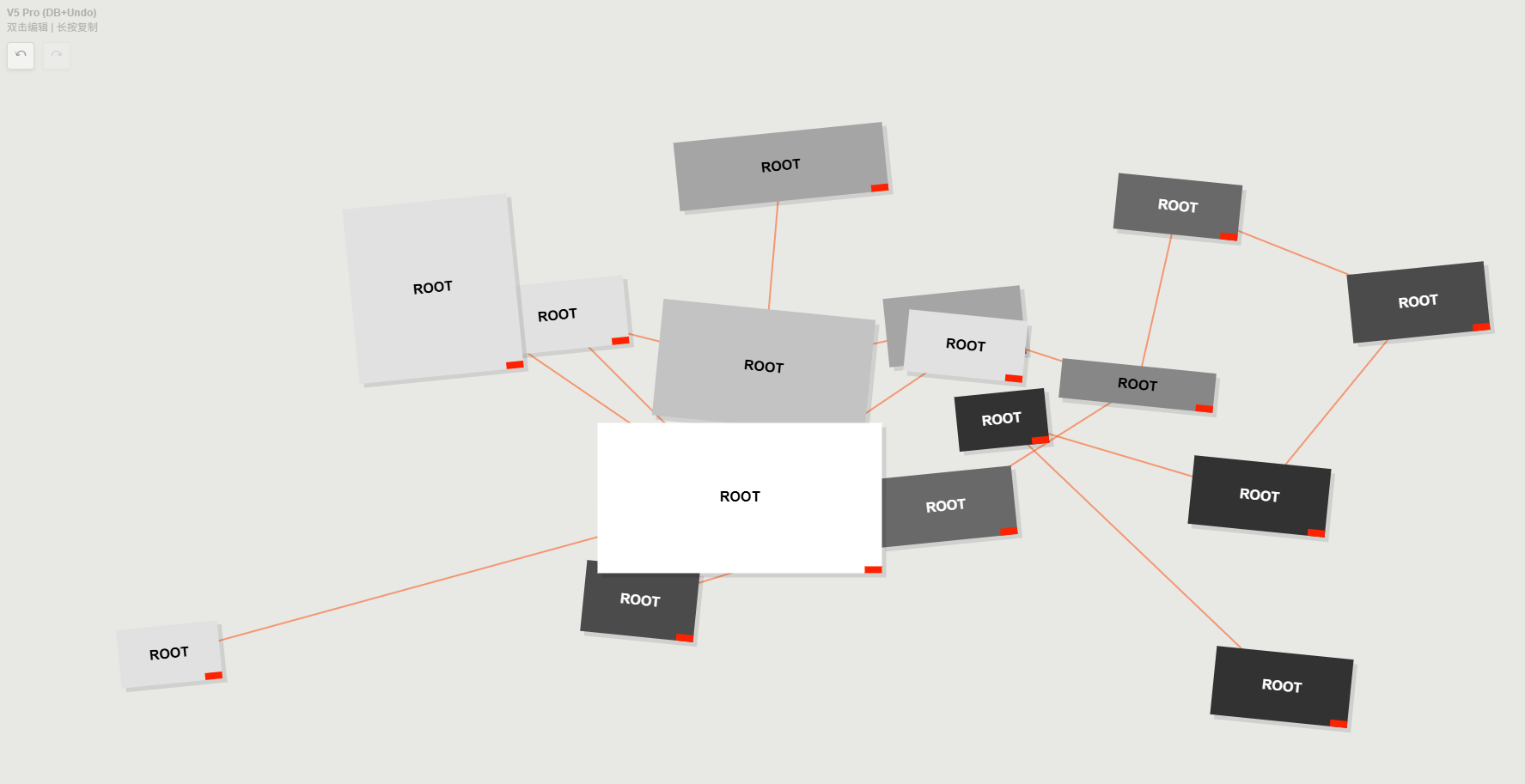
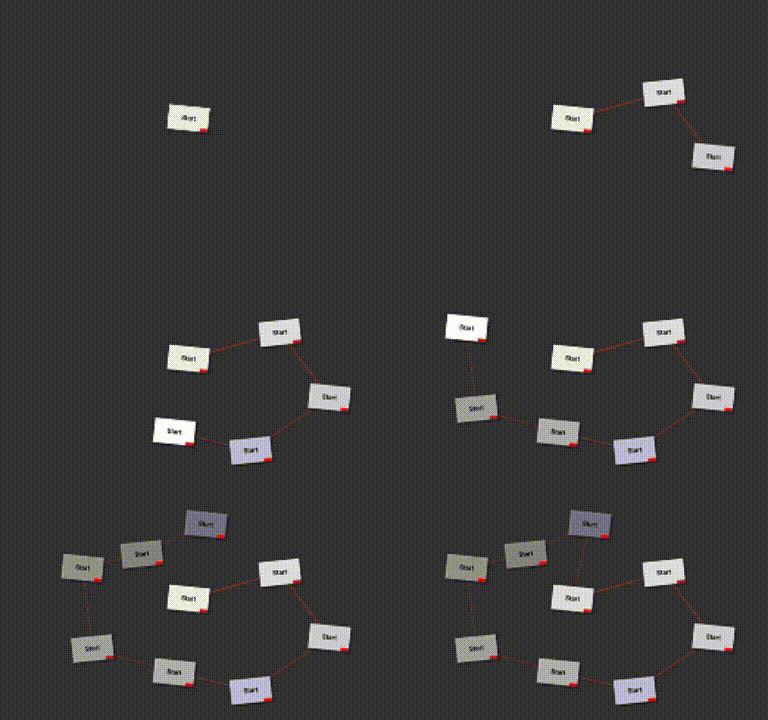 Forget static lines. Nodes in Rhizo are coupled by elastic forces. When you drag a node, you pull the entire thought network, feeling real resistance, gravity, and recoil. It gives your ideas a tangible sense of mass.
Dynamic Hierarchy Rendering
The interface mimics natural growth. The size and opacity of new nodes decay automatically based on depth, with added random noise to simulate the organic patterns found in nature.
Universe Mode (Immersive Writing)
Experience the flow. Click the "Satellite Menu" on any node to trigger a non-linear animation that transitions you seamlessly into a full-screen Markdown editor. (Note: This feature is currently in preview for the web demo and is being fully optimized for the upcoming mobile release.)
The Breathing Entity
A unique "Breathing Dot" indicator makes your notes feel alive, subtly guiding your focus to hidden content without cluttering the interface.
Local-First Architecture
Built on IndexedDB technology. All your data is stored locally in your browser. There is no cloud tracking and no account required. We protect the privacy of your mind.
Coming Soon to App Store
Rhizo is evolving. We are currently developing the full iOS/iPadOS version, designed to bring this tactile experience to your fingertips.
The mobile version will feature:
- Haptic Feedback integration (feel the "snap" of your logic).
- Enhanced Universe Mode for distraction-free writing on the go.
- iCloud Sync (Optional).
Follow us here on Itch.io to get notified when the App Store version launches.
 Controls
- Double Click: Create a new Node / Entity.
- Drag & Drop: Move nodes and feel the physics.
- Long Press: Open the Satellite Menu (Edit/Delete/Universe Mode).
- Scroll: Zoom in/out of the infinite canvas.